
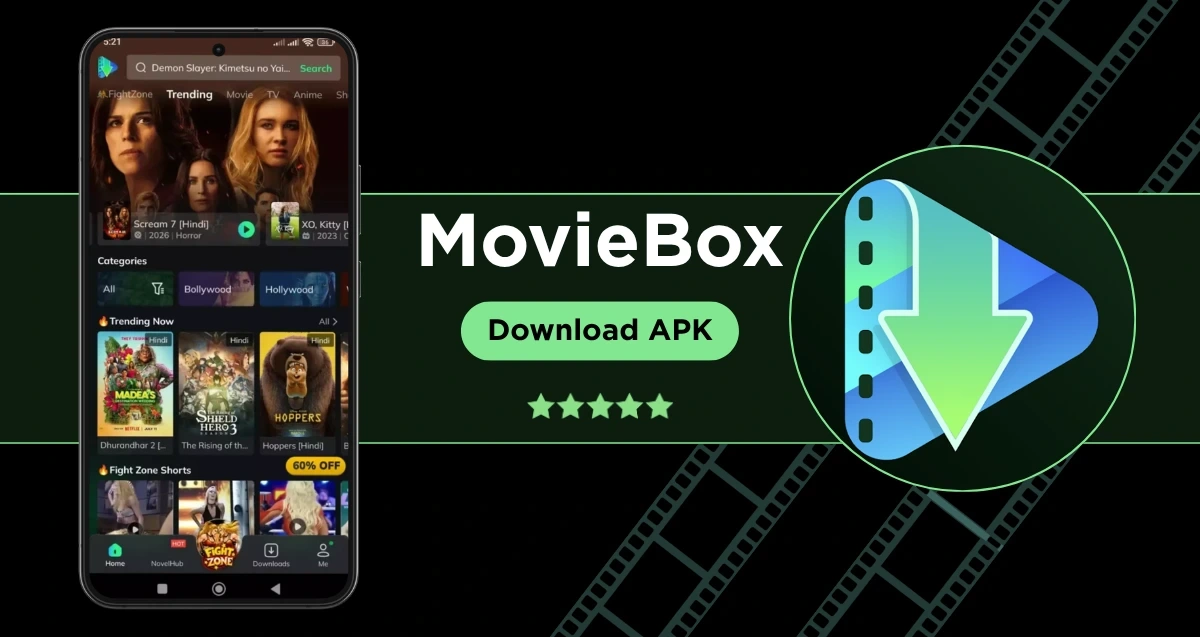
MovieBox
| Feature | Details |
| App Name | MovieBox |
| Version | Latest Version v4.0.03 |
| Size | 67.4 MB |
| Category | Entertainment / Streaming |
| Compatibility | Android & PC |
| Price | Free |
| Updated | 2026 |
MovieBox brings movie and TV show discovery, tracking, and organization together in one simple app, built for anyone tired of juggling scattered watchlists across different platforms. Instead of forgetting which episode you stopped on or losing track of titles you wanted to watch, MovieBox APK keeps everything in a single, easy-to-navigate space. Users can browse new releases, follow ongoing series, save favorites, and check detailed information before committing to anything. The app stays lightweight, installs quickly, and works smoothly across most Android devices without demanding constant updates or heavy storage space. Downloading it takes just a few minutes when the right steps are followed carefully.
Step-by-Step Installation Guide
- Confirm your device has at least 100-150MB of free storage before starting.
- Visit the official Movie Box website to download the installation file safely.
- Check that your Android version meets the minimum requirement, typically 7.0 or higher.
- Tap the download button and wait for the file to save completely.
- Open your device’s file manager and locate the downloaded file.
- Enable “Install from Unknown Sources” in your phone’s security settings if prompted.
- Tap the file once to begin the installation process.
- Grant any additional permissions the app requests during setup.
- Wait a few moments for installation to finish completely.
- Open the app icon from your home screen once it’s installed.
MovieBox Setup Made Simple
MovieBox doesn’t require complicated sign-ups or lengthy verification steps to get started. Once installed, the app opens directly to its main dashboard, ready for immediate browsing. First-time users can explore trending titles, search for something specific, or dive straight into genre categories without needing prior familiarity. The entire setup process, from download to first launch, typically takes under five minutes on a stable connection. For anyone hesitant about installing apps outside official stores, sticking strictly to the verified Movie Box website removes most safety concerns while keeping the process straightforward and beginner-friendly throughout.