MovieBox APK
Find new titles, follow ongoing series, and always know exactly where you left off.

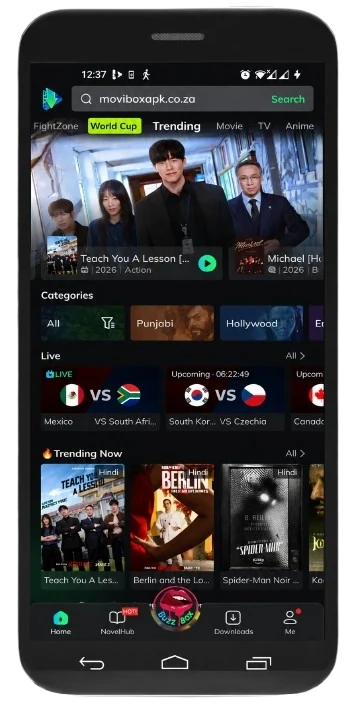
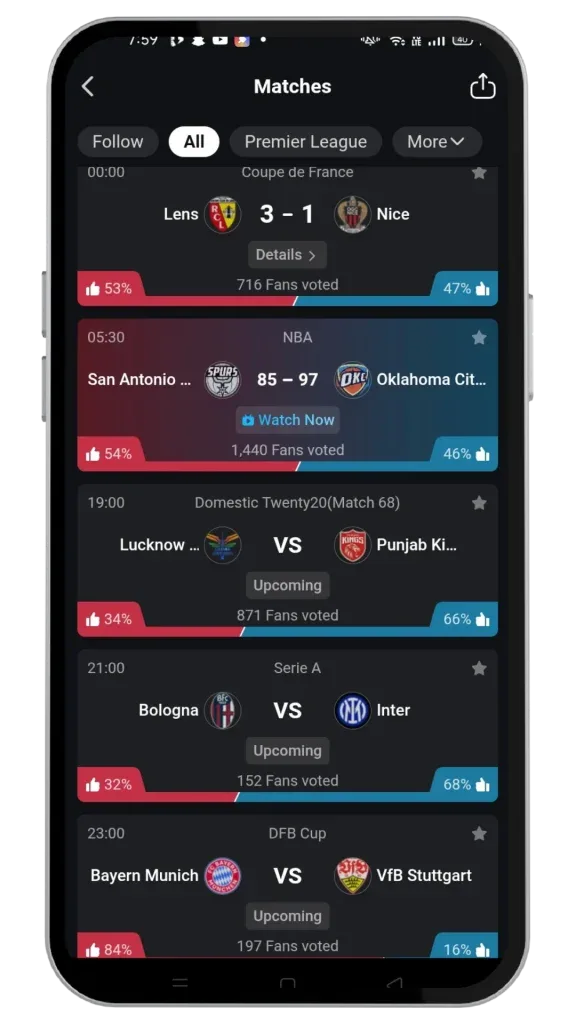
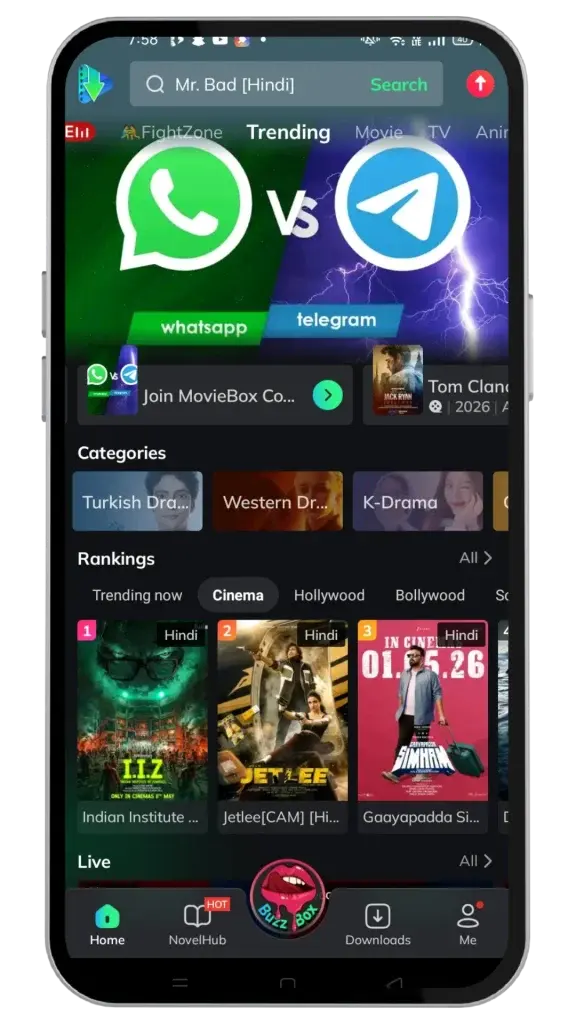
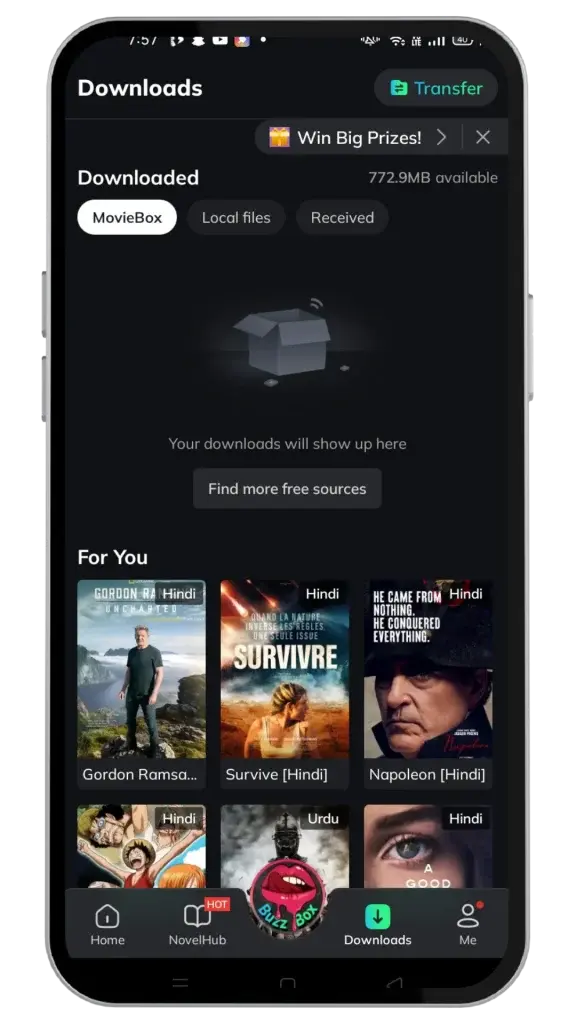
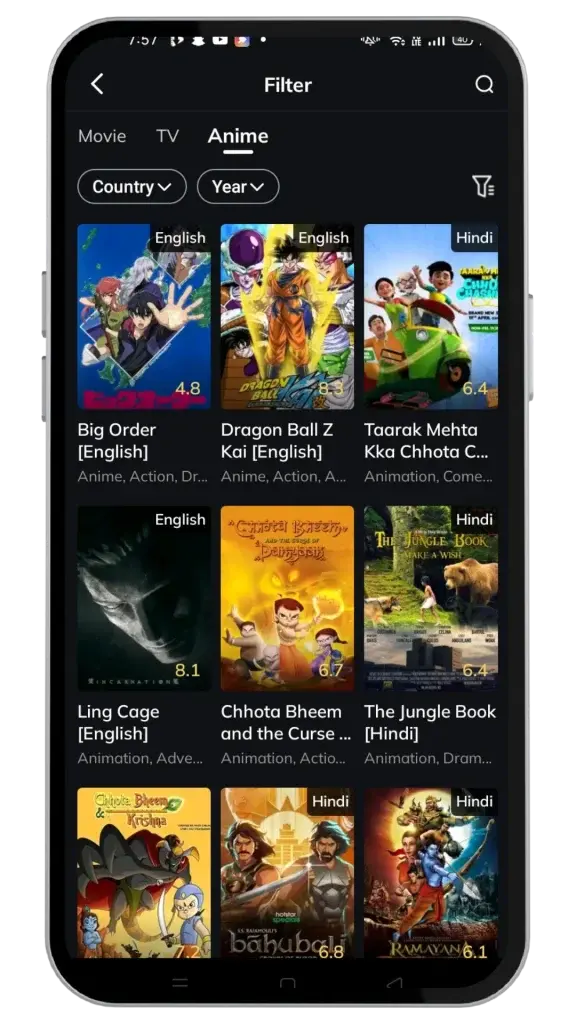
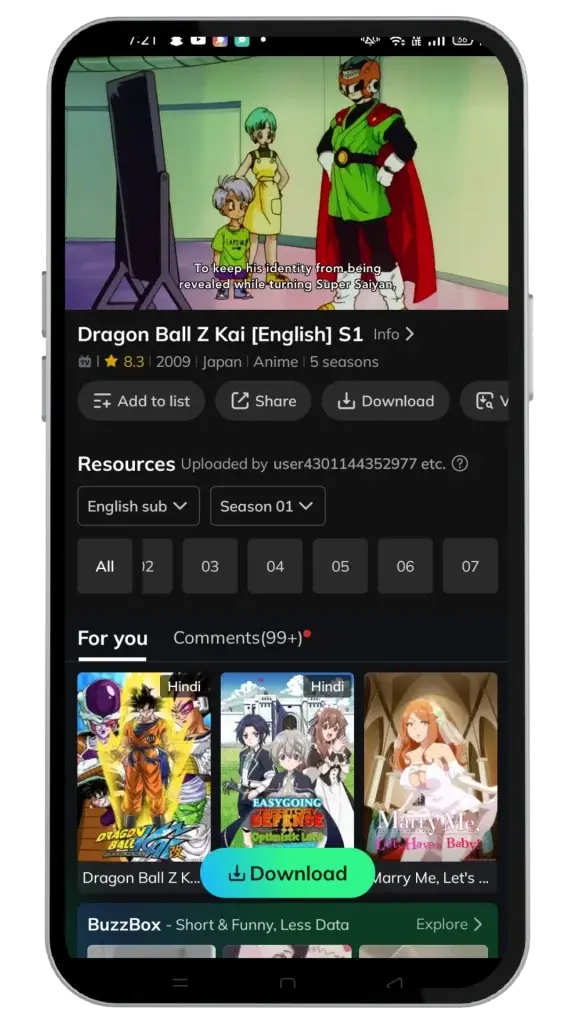
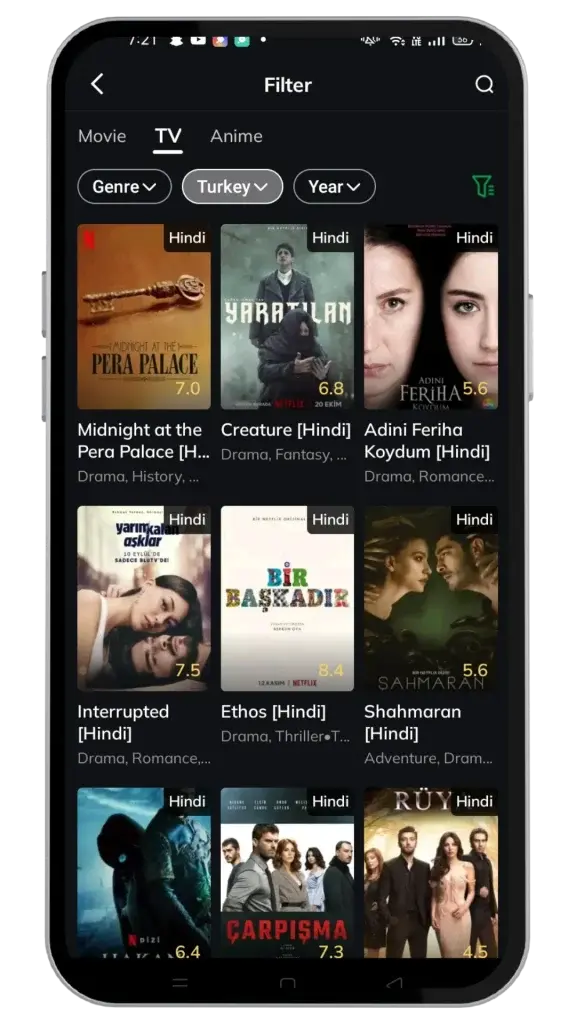
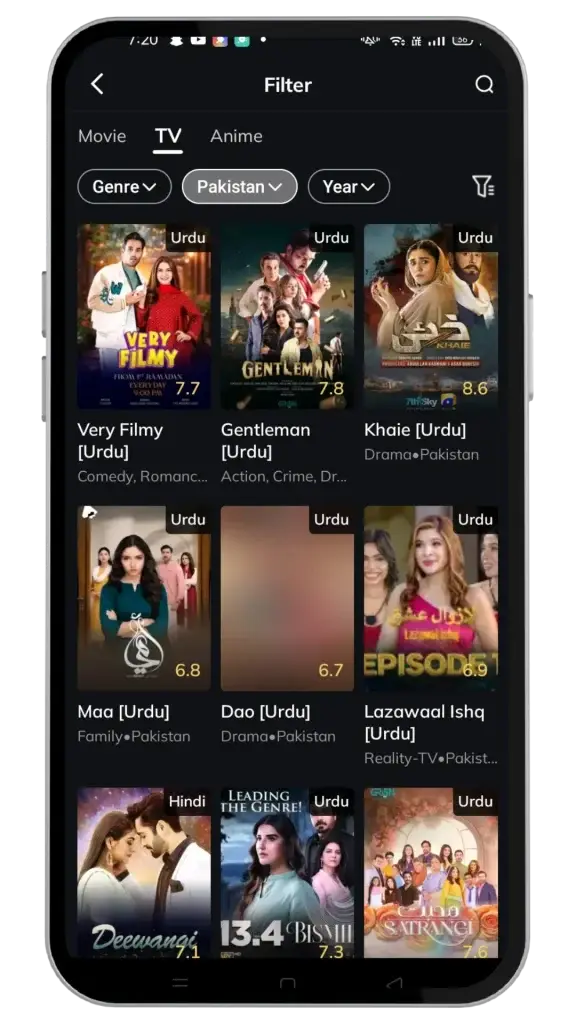
MovieBox
Keeping track of what to watch shouldn’t feel like a second job, yet for many people juggling multiple shows and films, it does. MovieBox tackles this exact problem by giving viewers one central hub to discover new titles, follow ongoing series, build a personal collection, and monitor exactly how far they’ve progressed through a season.
Rather than positioning itself as another streaming service, MovieBox focuses purely on organization. Users browse different titles, pull up helpful details before committing, bookmark whatever catches their interest, and stay aware of what’s arriving soon — all without juggling separate notes or scattered reminders across different apps.
What ties everything together is how MovieBox consolidates scattered entertainment details into a single, coherent view. People can monitor finished episodes, jump back into saved titles, and stumble onto fresh recommendations shaped by their own viewing habits. For anyone following multiple genres or several shows at once, this turns a chaotic routine into something far more manageable.
What Is MovieBox APK?
MovieBox functions as an entertainment companion that helps users uncover films and stay current on television series from a single dashboard. It compiles essential facts about countless titles, plot summaries, show details, cast lineups, audience scores, premiere timing, and genre classifications, removing the need to juggle separate sources just to decide what’s worth watching.
Beyond browsing, users can also assemble a personal collection and flag titles meant for later viewing. When it comes to ongoing series, MovieBox tracks individual episodes and monitors progress as time passes. This proves especially valuable for anyone following several shows simultaneously, watching regularly, or frequently discovering titles they’d rather not forget.
Why Do Users Keep Choosing MovieBox APK?
Once viewing habits stretch across several different platforms, remembering every title or exact episode by memory quickly becomes unrealistic. MovieBox solves this by handing users one unified space to manage those choices, making it far simpler to maintain a watchlist, stay updated on active shows, and return to films that once caught their eye.
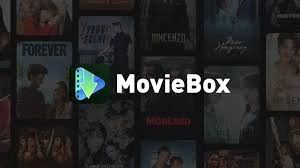
Discovery also becomes noticeably smoother through genre tags, audience scores, upcoming premiere alerts, cast breakdowns, and detailed title summaries. Users flag interesting picks, review what they’ve already completed, and keep tabs on series still in progress. Combined, these tools give MovieBox a genuinely structured approach to handling personal entertainment decisions.
Everything MovieBox Puts at Your Fingertips
Personalized Recommendations
MovieBox APK can make content discovery easier by suggesting movies and shows based on what catches your attention. Instead of repeatedly browsing unrelated titles, users can find recommendations that better match their viewing interests. This saves time and gives them more ideas when they are unsure about what to watch next.
Large Content Library
A broad selection gives users more freedom when choosing something to watch. Movie Box brings different types of movies and TV shows into one browsing experience, making it easier to explore familiar genres as well as unfamiliar titles. Users can spend less time switching between different entertainment platforms while looking for something interesting.
Smart Search
Finding a specific title becomes much simpler when search tools are easy to use. Movie Box APK lets users look for movies and shows without having to scroll through long lists manually. A straightforward search experience is particularly useful when someone already knows what they want to watch and simply needs to locate it quickly.
Quality Selection
Different users have different preferences when it comes to video quality, depending on their device and internet connection. MovieBox APK Download provides quality choices that can make viewing more flexible. Users with faster connections can select a higher-quality option, while those with limited bandwidth can choose a setting that is more practical for their connection.
Smooth Playback
A good viewing experience depends on more than simply finding a movie. Movie Box APK Download focuses on keeping playback straightforward so users can move from selecting a title to watching it without unnecessary steps. For everyday viewing, a simple playback process can make the experience feel more comfortable and reduce interruptions caused by complicated controls.
Subtitle Support
Subtitles can make movies and shows easier to follow, particularly when viewers are watching content in another language or dealing with unclear dialogue. MovieBox Pro includes subtitle support to improve accessibility during playback. This can help users understand conversations more clearly while watching international content without depending entirely on dubbed versions.
Watchlist Management
Remembering every movie you want to watch can become difficult, especially when discovering several interesting titles at once. Movie Box Pro gives users a practical way to keep preferred content together through a watchlist. Instead of searching for the same titles again later, they can save interesting options and return to them when they have time.
Continue Watching
Sometimes a movie or episode gets interrupted because of work, sleep, or simply taking a break. MovieBox App makes returning to unfinished content more convenient with its continue-watching approach. Users can pick up where they left off instead of manually searching for the title and remembering their previous viewing point.
Genre Discovery
Exploring by genre can be useful when you know the type of entertainment you want but have no particular title in mind. Movie Box App organizes content around different viewing interests, helping users browse categories more naturally. Whether someone wants comedy, action, drama, or another style, genre-based discovery can narrow down their choices.
Movie Details
Before starting a movie, viewers often want basic information such as its title, genre, cast, description, or release details. Mover Box presents useful title information alongside the content, allowing users to understand what they are selecting. Having these details available beforehand can make browsing easier and reduce the need to search elsewhere.
Release Updates
Keeping track of newly available movies and shows can be difficult when releases happen regularly. Move Box helps users discover newer additions without relying entirely on memory or separate searches. This is useful for viewers who enjoy following recent entertainment and want a convenient way to notice titles that have recently become available.
Favorites Collection
Some movies and shows are worth keeping separate from a temporary watchlist because users may want to revisit them later. Movi Box allows viewers to maintain favorite selections, making preferred content easier to find. This simple organization can be useful for building a personal collection of titles that consistently match someone’s entertainment preferences.
Simple Interface
An entertainment app does not need complicated menus to be useful. Movie Box Pro uses a straightforward interface that keeps browsing and content selection relatively easy to understand. Users can spend more time exploring movies and shows rather than figuring out where different options are located, which makes everyday navigation more comfortable.
Fast Loading
Waiting for pages or content elements to load can quickly become frustrating during browsing. MovieBox Pro App is designed around a responsive experience where users can move between available content with less unnecessary waiting. Faster loading is especially useful when someone is casually exploring several titles and wants to compare options without constant delays.
Multi-Device Support
People increasingly switch between different screens depending on where they are watching. MovieBox Download Android APK supports a flexible viewing experience across compatible devices, giving users more freedom in how they access entertainment. This can be convenient for someone who prefers a larger screen at home but uses a phone or another device when away.
How To Download MovieBox APK
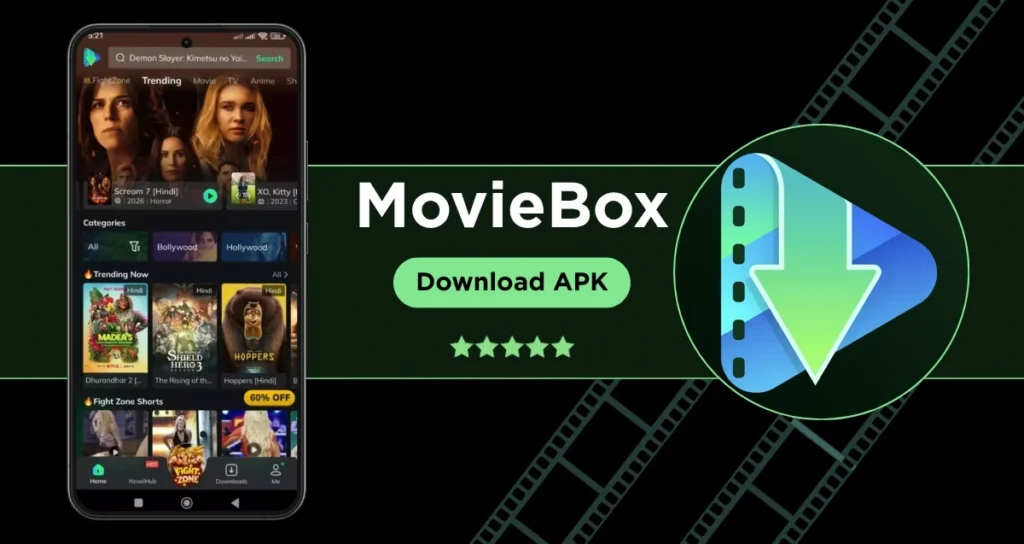
Installing the app takes only a few straightforward steps. Start by confirming your device has adequate free storage space. Next, source the installation file from a trusted origin rather than random links. Before proceeding, verify the file version matches your device’s Android requirements. Once downloaded, locate the file inside your downloads folder. MovieBox Download installs by opening this file and following the prompts shown on screen. Should your device block the process, enabling installation permissions through your browser or file manager settings resolves this quickly. Finally, open the app and finish the initial setup.
Installation Guide
- Open the downloaded file from your device.
- Tap Install to begin the process.
- Grant permission if your device requests it.
- Wait briefly while the app finishes installing.
- Tap Open once installation completes.
- Complete the initial setup and start exploring.
Navigating MovieBox Like A Pro
Getting comfortable with the app happens quickly, even during a first visit. MovieBox APK Latest Version offers a straightforward path toward finding films and series without unnecessary confusion. Start by opening the app and exploring the available sections, then search for something specific or browse by category. Once something catches your attention, review the details before making a final decision. Moving between sections stays intuitive throughout, letting users quickly locate content that matches their taste.
Find What You’re Looking For
Opening the app and waiting for the main screen to load is the first step. From there, the search feature helps locate a specific film or series by name, saving time whenever a title is already known. Without a specific title in mind, browsing available categories works just as well.
- Open the app on your device.
- Tap the search bar on the main screen.
- Type the name of a film or series.
- Review the results and select the correct match.
Confirm It’s The Right Pick
After searching, reviewing the returned results helps confirm the right title gets selected. Movie Box APK Latest Version displays relevant information about each option, including genre, release timing, and other essential details worth checking before moving forward.
- Choose your preferred title from the results.
- Read through the available details.
- Verify the genre and release information.
- Proceed once everything checks out.
Decide How You Want To Watch
Once a title is chosen, reviewing the available viewing options comes next. Movie Box Download APK may present different routes to access the selected content, depending on what is available for that specific title and region. Checking these options first helps users choose a suitable way to continue based on their preferences and circumstances.
Dive In And Keep Browsing
Selecting a viewing option and starting playback wraps up the process, though exploration doesn’t have to stop there. Users can return to search, browse fresh categories, or discover another title whenever they want. This keeps the experience flexible, allowing Movie Box App APK Download users to move between watching and discovering content without restarting their browsing journey.
Pros & Cons
Pros
- Offers a clean, intuitive interface that makes navigation effortless.
- Grants access to a substantial range of films and series.
- Makes searching for specific entertainment content quick and painless.
- Simplifies exploring different content categories at a glance.
- Delivers a genuinely uncomplicated browsing experience overall.
- Houses a content library packed with plenty of variety.
- Consolidates discovery of films and series into a single space.
- Suits users who prefer minimal, hassle-free navigation.
- Supplies useful context about available titles throughout.
- Encourages exploring fresh entertainment options without unnecessary complexity.
Cons
- Content availability can shift depending on regional restrictions.
- Overall performance often hinges on internet connection quality.
- Certain titles may not always surface during a search.
- Unofficial versions of the app can introduce security risks.
- The experience may differ slightly across devices and connections.
Other Platforms Worth Knowing About
IMDb
Serving as one of the most recognized entertainment databases online, IMDb offers exhaustive details covering movies, TV shows, actors, ratings, reviews, and release dates. MovieBox Mod APK leans toward organization and personal tracking, while this platform puts greater weight on title information and audience scoring rather than direct streaming access. Anyone wanting dependable specifics before committing to a watch finds real value here.
Trakt
Built specifically for viewers who watch movies and shows on a consistent basis, Trakt lets users log their viewing history, build watchlists, follow ongoing series, and manage their entertainment habits in detail. Its central purpose leans toward tracking and discovery, whereas MovieBox Application emphasizes simply browsing available content within one convenient, easy-to-navigate space designed for casual daily use.
TV Time
Designed around television specifically, TV Time helps users uncover new series, follow individual episodes, and monitor their overall viewing progress with precision. It also brings show information and community-driven features into the mix for regular viewers. This platform places noticeably heavier emphasis on episode tracking, alerts, and social interaction, an area where MovieBox APK download older version stays more streamlined.
Letterboxd
Centered entirely around film, Letterboxd gives users the tools to discover movies, build watchlists, log viewing activity, rate titles, and pen personal reviews. It leans far more toward movie discussions and building a private film collection than MovieBox Online does. Viewers who genuinely enjoy reviewing films, maintaining curated lists, and exploring peer recommendations tend to gravitate here.
JustWatch
Functioning as a dedicated streaming search tool, JustWatch helps users pinpoint exactly where movies and TV shows are currently available across a wide range of supported services. Its focus sits heavily on locating content spread across different platforms rather than organizing personal viewing habits. Searching titles, comparing service availability, and checking current online offerings forms its entire purpose.
| Feature | MovieBox | IMDb | Trakt | TV Time | Letterboxd | JustWatch |
|---|---|---|---|---|---|---|
| Direct Streaming Access | ✅ | ❌ | ❌ | ❌ | ❌ | ❌ |
| Movie & TV Database Info | ✅ | ✅ | ✅ | ✅ | ✅ | ✅ |
| Viewing History Tracking | ✅ | ❌ | ✅ | ✅ | ✅ | ❌ |
| Watchlist Creation | ✅ | ✅ | ✅ | ✅ | ✅ | ❌ |
| Ratings & Reviews | ✅ | ✅ | ❌ | ✅ | ✅ | ❌ |
| Episode Notifications | ✅ | ❌ | ❌ | ✅ | ❌ | ❌ |
| Community/Social Features | ✅ | ✅ | ✅ | ✅ | ✅ | ❌ |
| Cross-Platform Streaming Search | ✅ | ❌ | ❌ | ❌ | ❌ | ✅ |
| No Login Required | ✅ | ✅ | ❌ | ❌ | ❌ | ✅ |
Conclusion
MovieBox centers around discovery, series tracking, watchlist management, and overall entertainment organization. Rather than functioning as just another way to watch content, it helps users keep their film and TV decisions structured in one accessible place, cutting through the clutter that scattered platforms tend to create over time.
With capabilities spanning episode progress, viewing history, favorites, genre browsing, cast details, audience ratings, and upcoming releases, MovieBox APK proves genuinely useful for anyone who regularly follows movies and television. At its core, the goal remains making entertainment tracking simpler and more personal for every user.